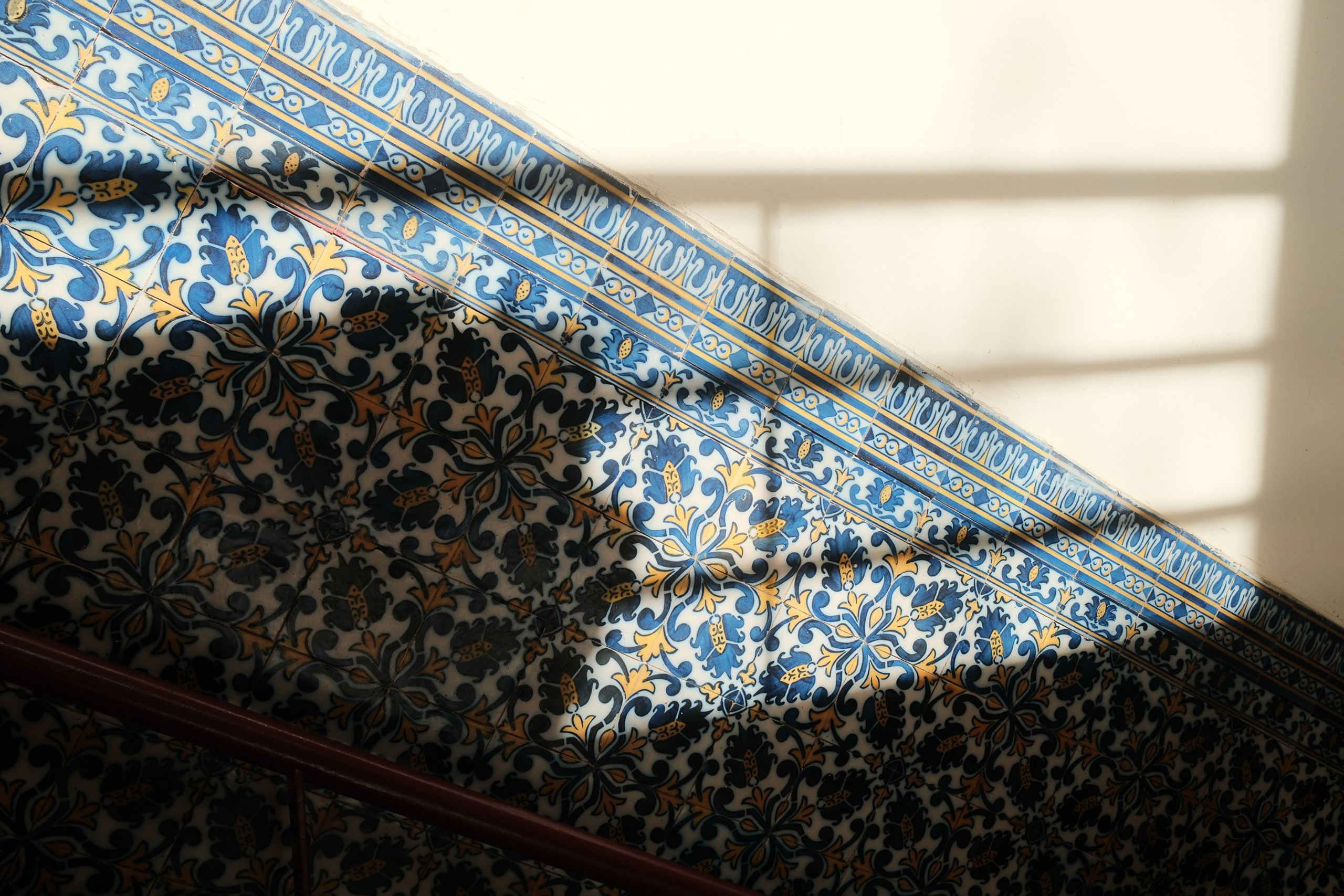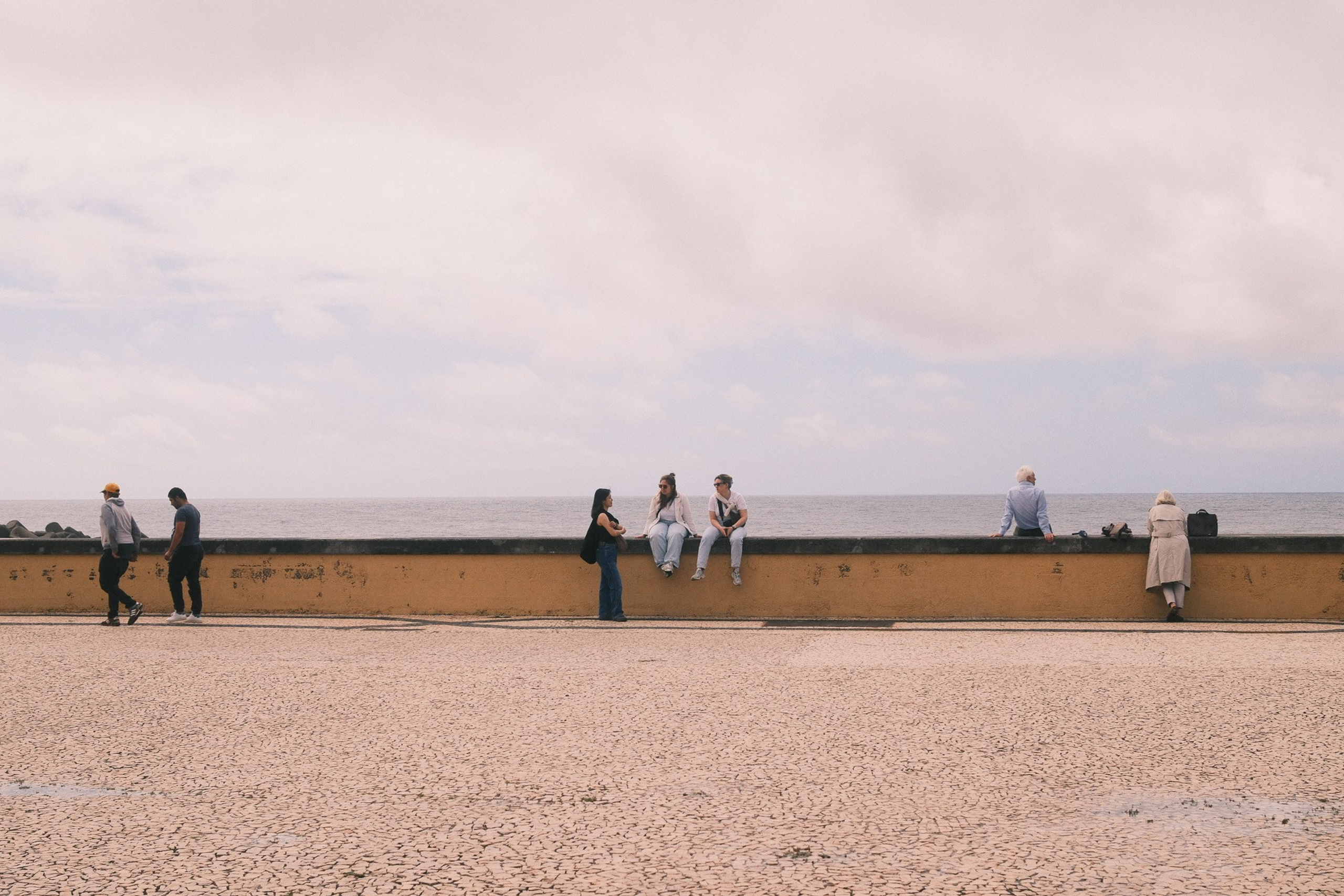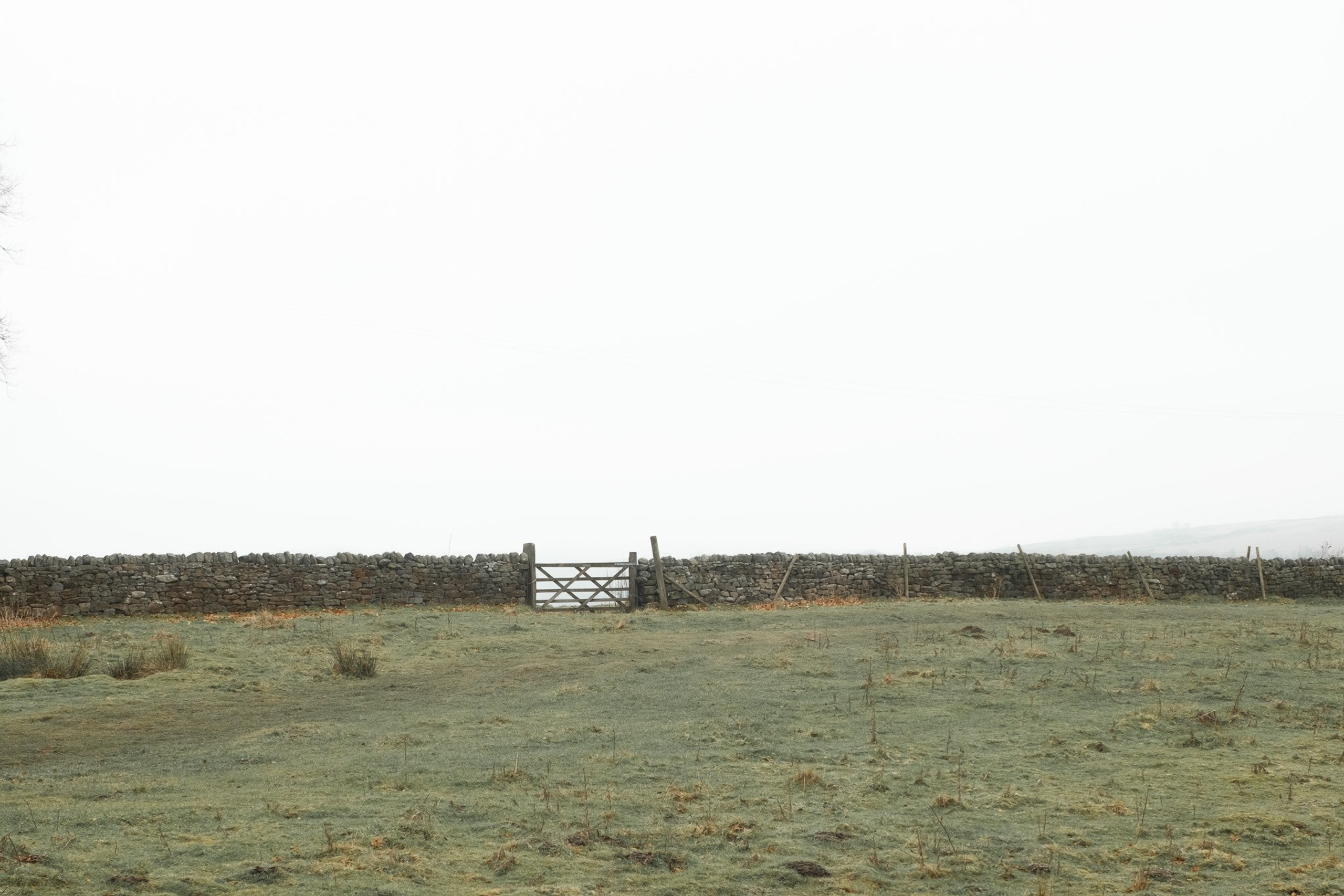
This Fujifilm custom recipe has quietly become one I trust. Reggie’s Portra is subtle, flexible, and works across a lot of situations, especially city work and mixed light. I shot all the images in this post using my Fujifilm X-T5, and it’s easily one of my favourite Fujifilm film simulation recipes for 2026 so far.
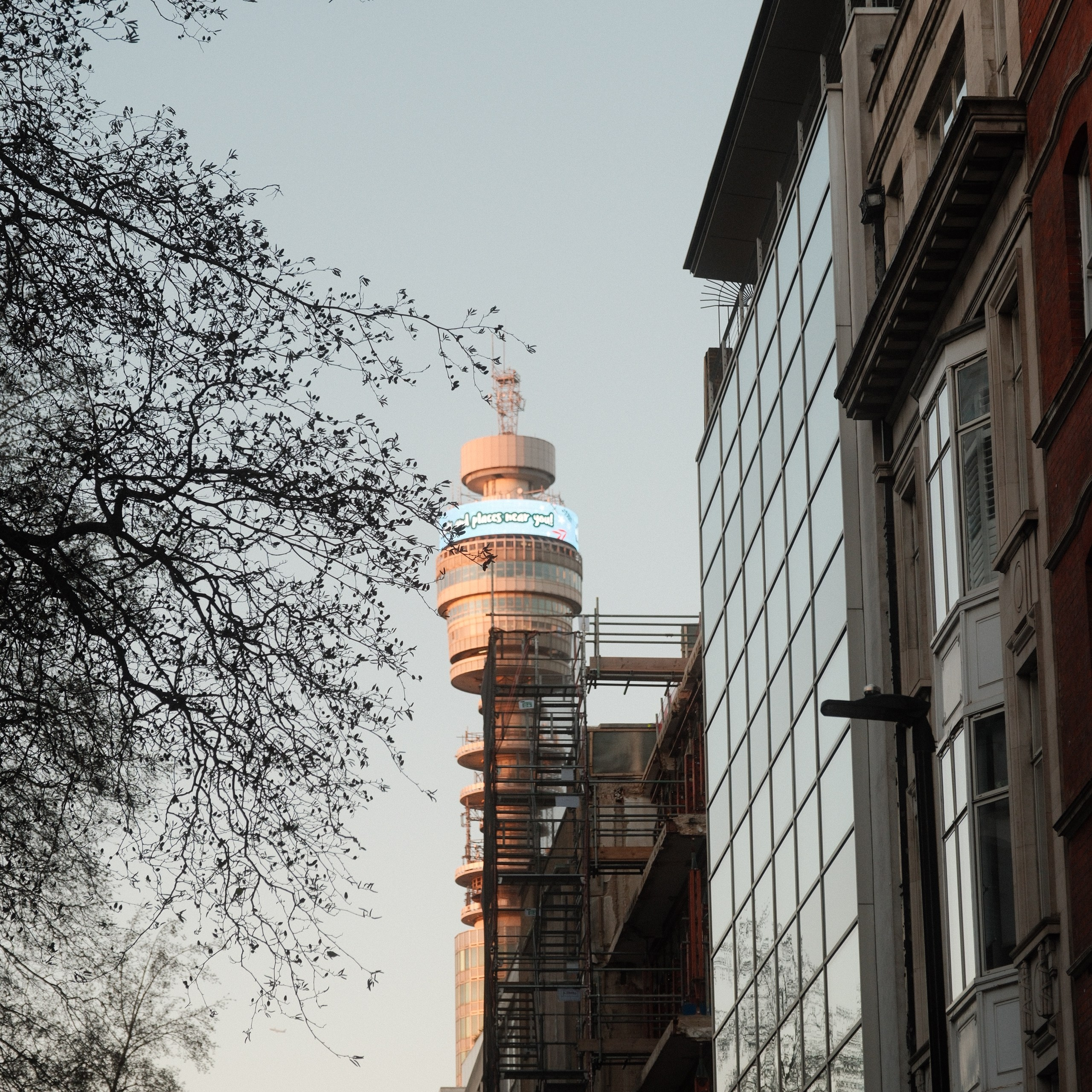
These photos were taken around London, mostly early evening, with fading winter light, street lamps switching on, and a mix of warm interiors and cool skies. That’s where this recipe really holds together.
If you want the original breakdown from Reggie, you can find it here:
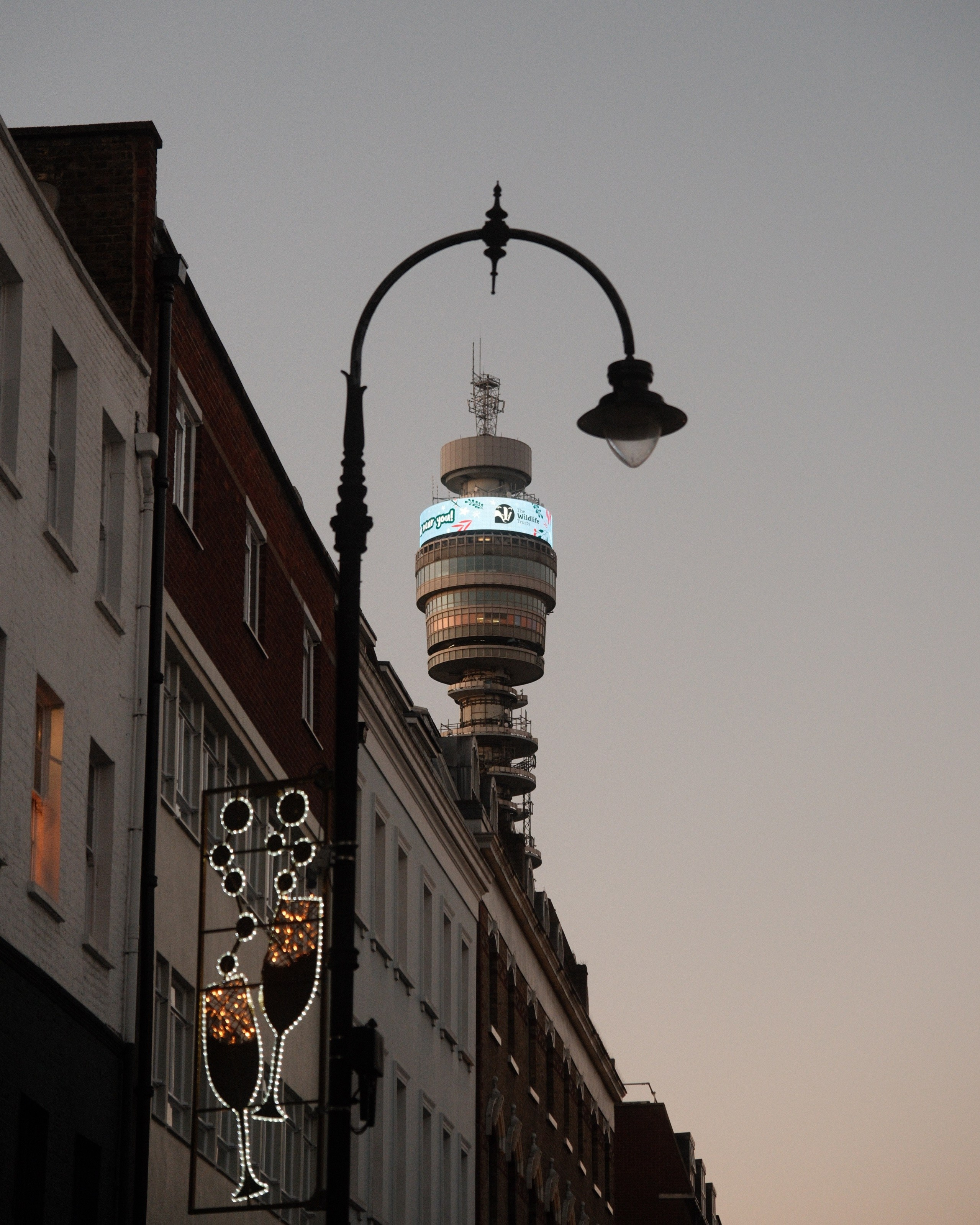
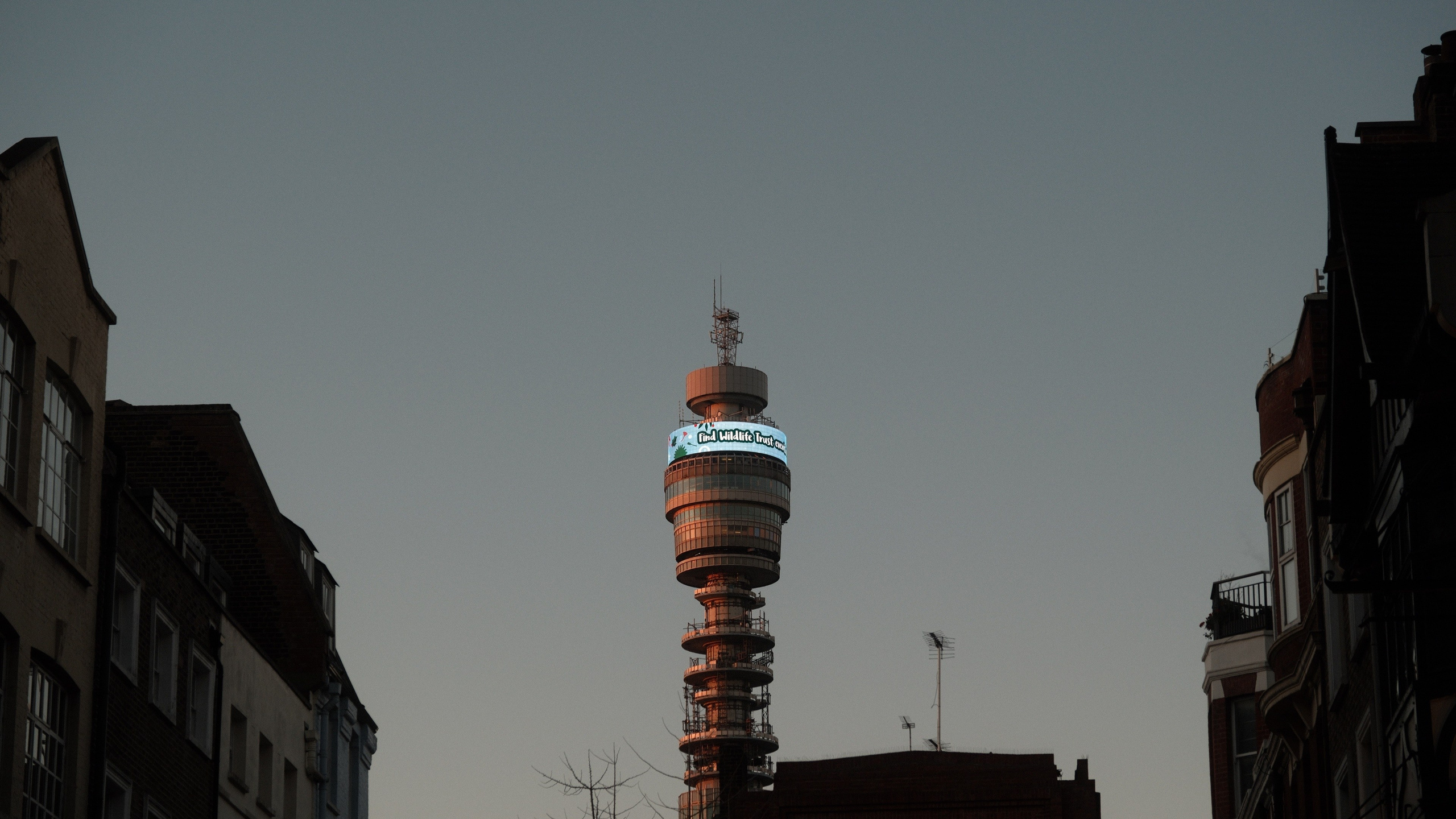
Why I Like This Fujifilm Custom Recipe
What stands out straight away is balance.
- Skin tones stay natural without looking flat
- Warm light stays warm, but doesn’t spill everywhere
- Shadows hold detail without feeling lifted too far
- Colours feel controlled rather than pushed
Classic Chrome does a lot of the heavy lifting here, but the real strength comes from the colour and white balance tuning. It gives you that Portra-style warmth without turning everything orange.
For street photography and everyday shooting, this matters. You can shoot confidently without constantly riding exposure or thinking about fixing colour later.
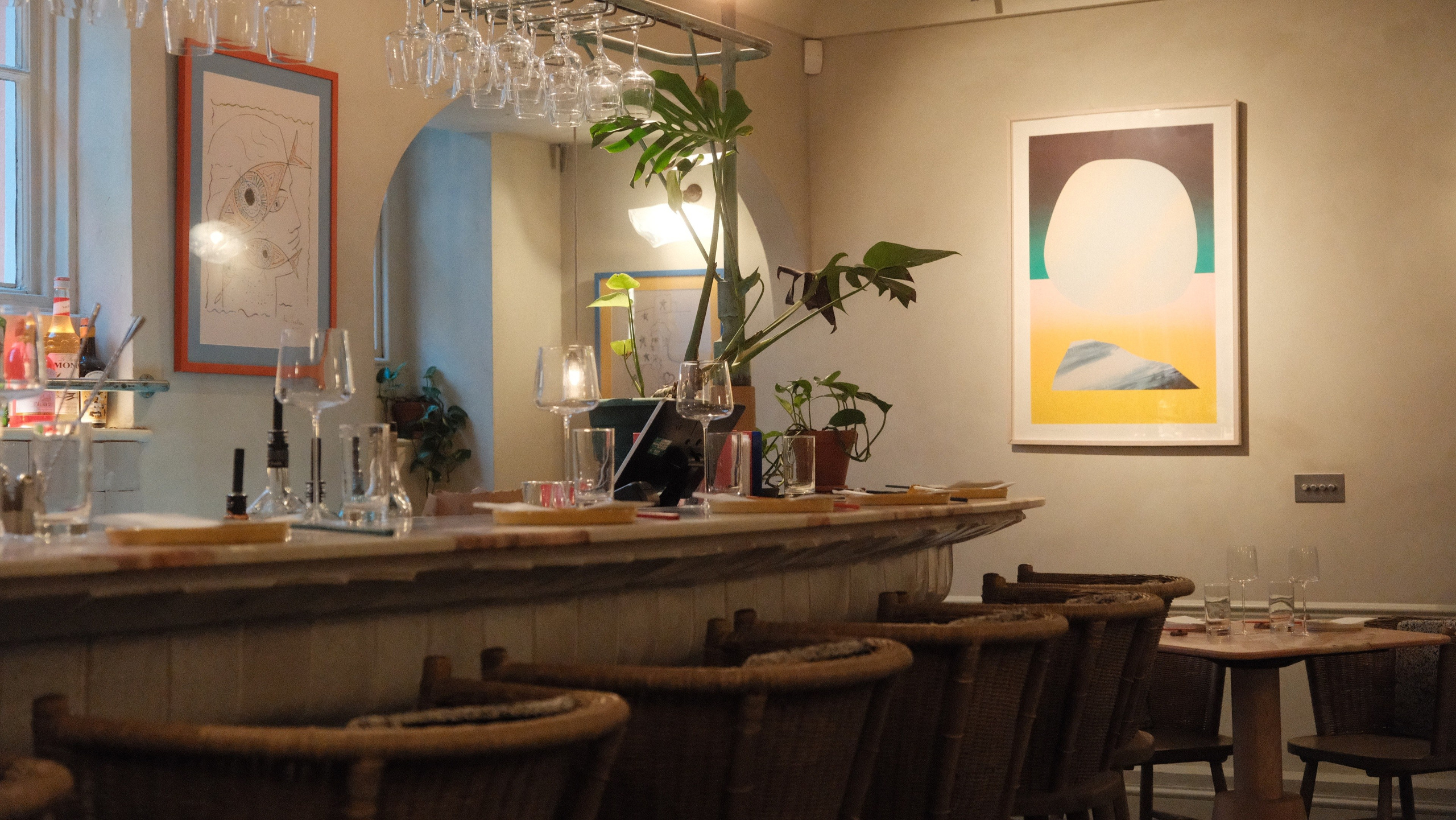
How It Looks in Real Use
Most of these photos were shot handheld, walking through London streets, pubs, and quieter side roads. The recipe copes well with:
- Interior tungsten lighting
- Overcast winter skies
- Reflections and glass
- Mixed colour temperatures
I paired it with a ¼ mist filter, which softens highlights just enough without killing contrast. It suits this recipe well, especially for evening shots and interior scenes.
When I Reach for Reggie’s Portra
This is not a recipe I save for special occasions. I use it when I want consistency.
- City walks
- Cafés and pubs
- Travel days
- Low effort shooting where I still want strong colour
It also works well if you like keeping your workflow simple. Most of these images came straight out of camera with very minimal tweaks.
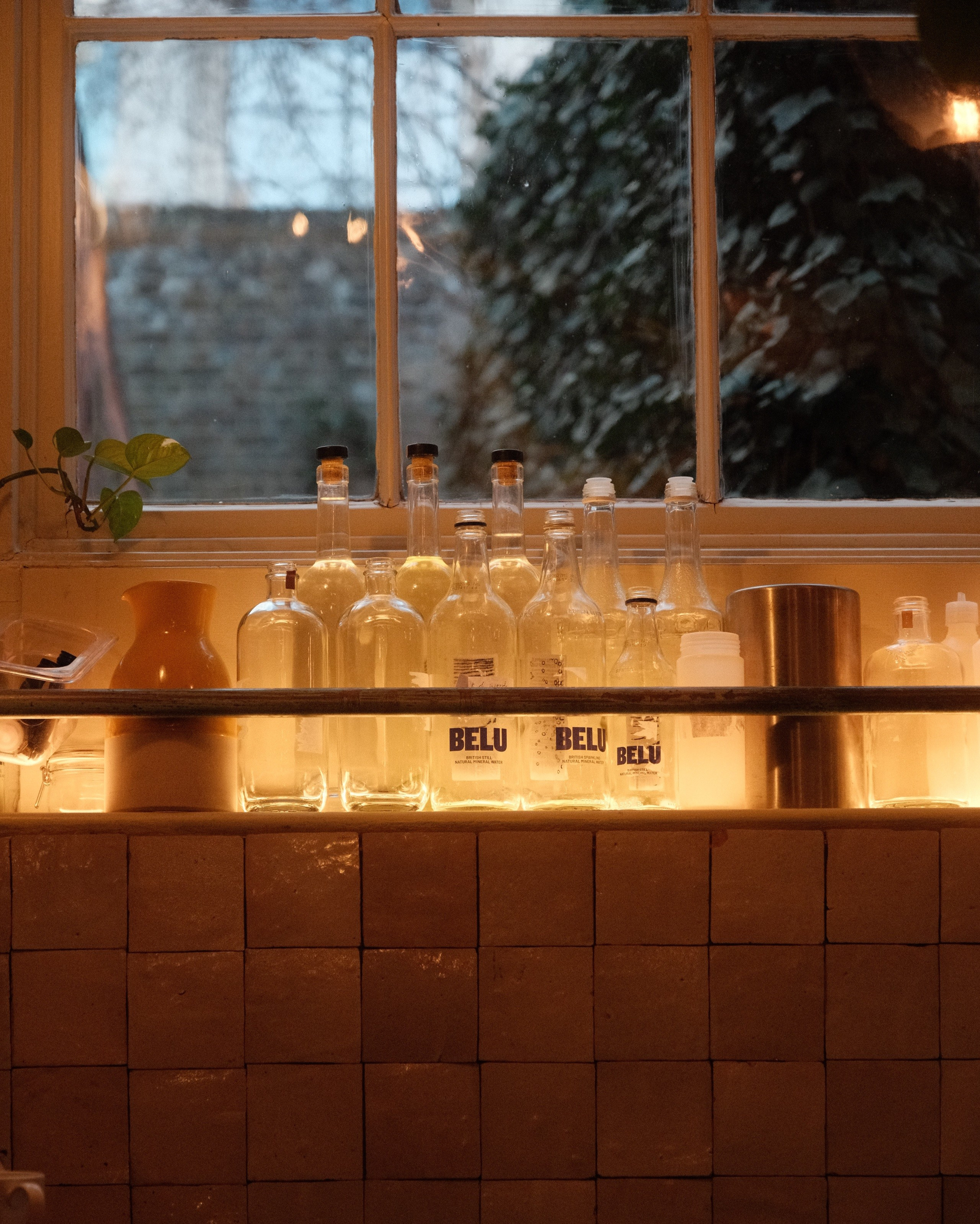
Reggie’s Portra Film Simulation Recipe
For reference, here are the settings I used on the X-T5:
- Film Simulation: Classic Chrome
- Dynamic Range: DR-Auto
- Highlight: -1
- Shadow: -1
- Color: +2
- Noise Reduction: -4
- Sharpening: -2
- Clarity: 0
- Grain Effect: Weak, Small
- Color Chrome Effect: Strong
- Color Chrome Effect Blue: Weak
- White Balance: Auto, +2 Red, -4 Blue
- Exposure Mode: Manual
Fujifilm Recipes
Holiday Radeon